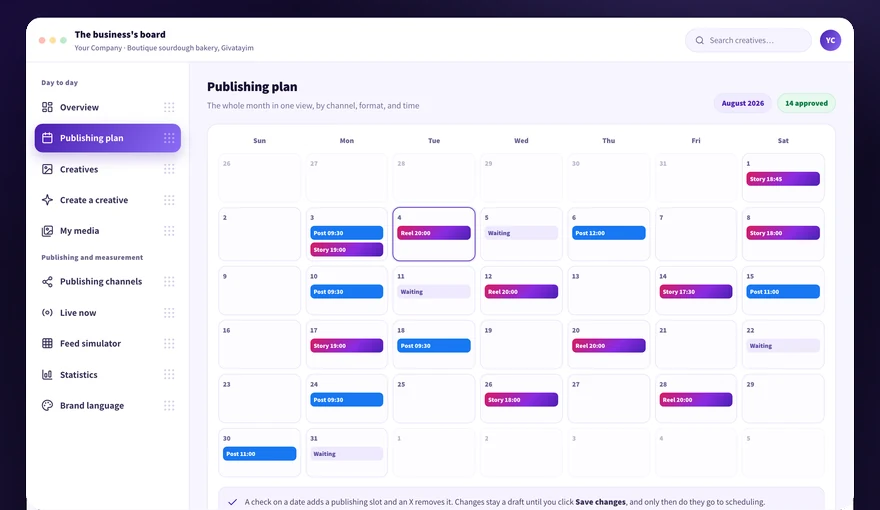
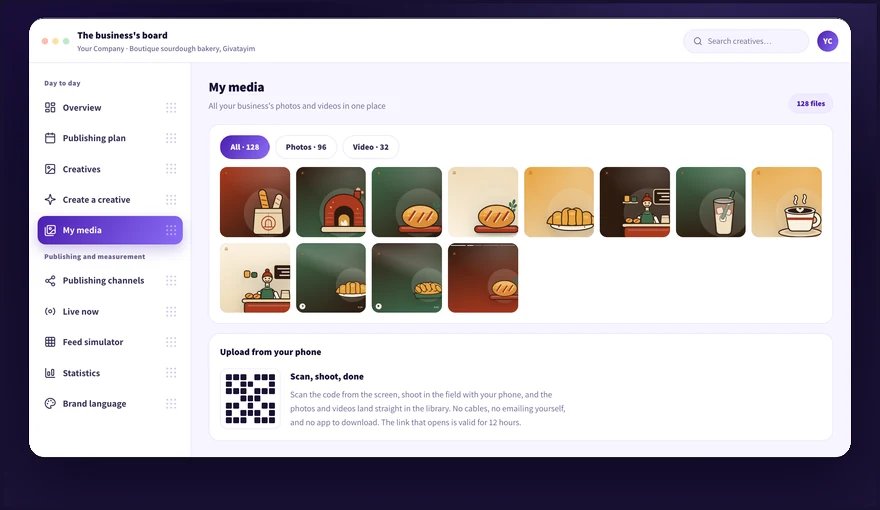
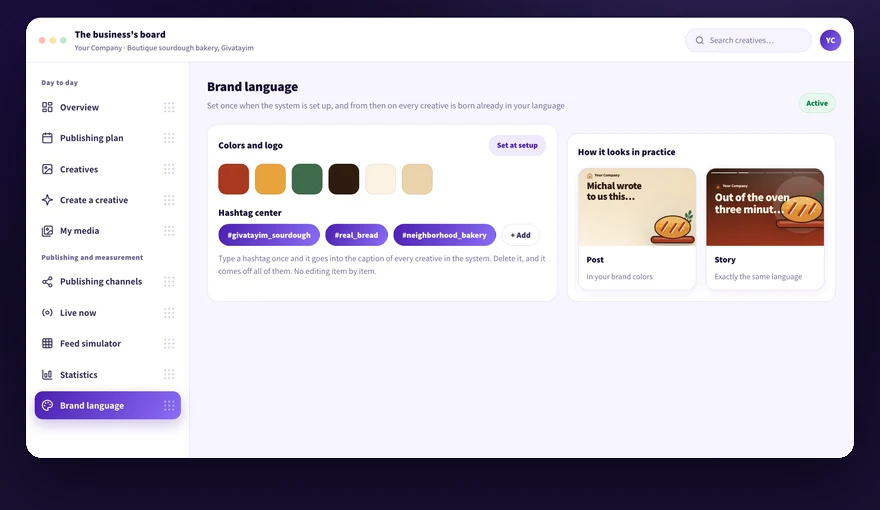
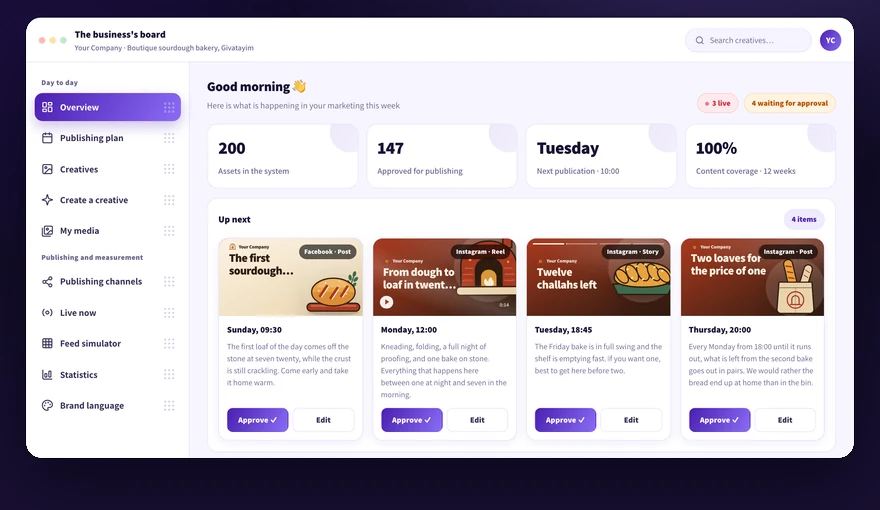
Here is everything about your data: what Kampi sees on your pages and what it does not, who owns the page and the ad account, what you can delete yourself and what you ask us for, and what happens to the data when you revoke the permission. If something is limited because of Meta, we say it straight.
We didn't find an answer for that search. Try another word, or ask the bot below.
Kampi accesses only what is needed to publish in your name: the Facebook page and the business Instagram account. We do not read private messages, do not collect follower lists, and do not share data between customers.
1
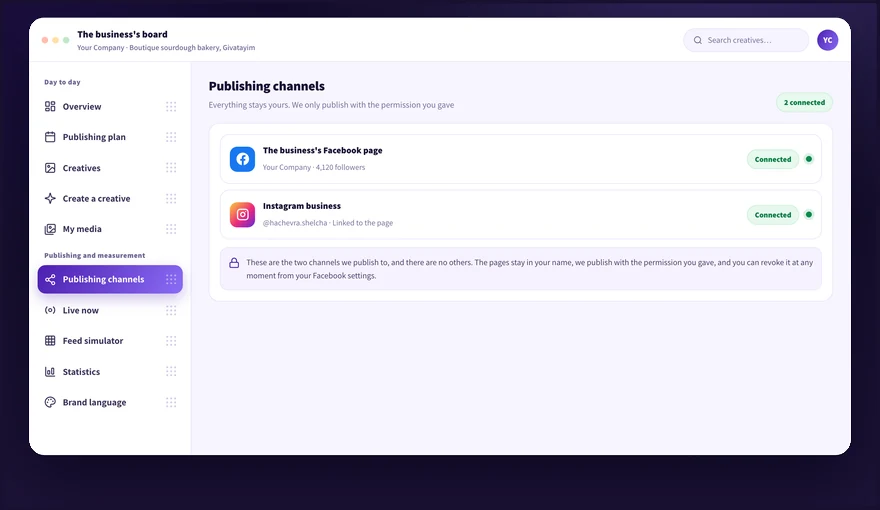
Open the Publishing channels screen and see exactly which accounts are connected right now.
2
Check the status dot next to each channel. Green means the connection is live, red means there is no connection.
3
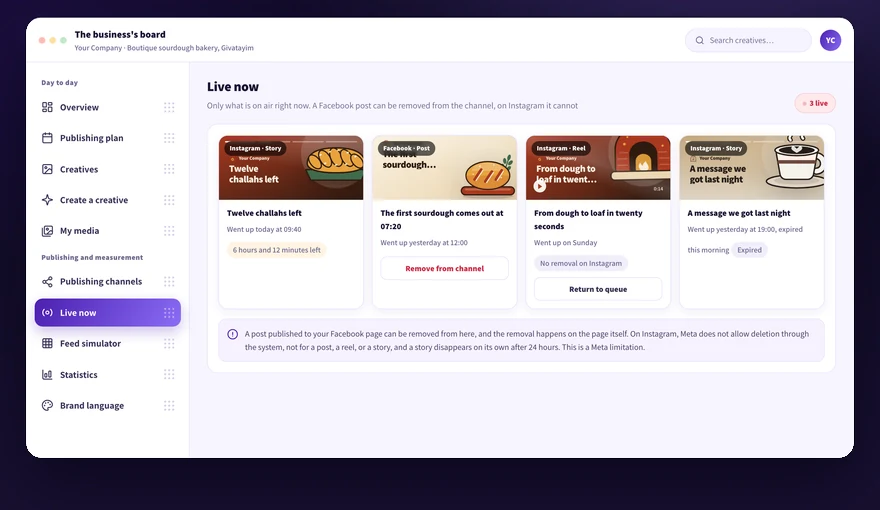
Open the Live now screen and see exactly what was published in your name.
4
Open the performance room and see what actually went out, with no numbers that did not come from Meta.
5
Call us at 054-5082696 if you saw a figure in the system and it is not clear where it came from.
The permission is used for two things only: publishing the content you approved, and pulling the channels' status and the data Meta returns about them. We do not enter the page's messages or the Instagram direct, do not keep content from conversations with your customers, do not sell data, and do not pass it to a third party.
The page and the Instagram remain fully yours, during the subscription and after it. Kampi receives admin permission to publish in your name, and it can be revoked at any moment.
1
Connect the channels from the Publishing channels screen, with admin permission from your account.
2
Check in your business settings on Facebook that the page ownership is registered in your name.
3
Make sure the Instagram account is a professional account linked to the page, because that is Meta's requirement for the connection.
4
Open the Live now screen and see that everything published sits on your page.
5
Remove the permission from your business settings on Facebook if you wish, and the page keeps working as usual.
We do not become owners of the page and do not change the permissions of other people managing it. All published content stays on your page even if you stop the subscription.
The disconnection itself is explained step by step in the article about disconnecting Kampi from the page, in the Publishing channels category. Here we explain what happens to the content and the data the moment the permission comes off, and what stays stored with us.
1
Open the article about disconnecting Kampi from the page in the Publishing channels category and follow it to remove the permission in your business settings on Facebook.
2
Return to the Publishing channels screen and make sure the dot next to the channel turned red, a sign the system stopped publishing.
3
Check on the Live now screen what is still on air, because disconnecting does not remove content that was already published.
4
Write to us at info@kampi.co.il if you want us to also delete the customer account and the data stored with us.
5
Reconnect from the Publishing channels screen when you want to publish again, and your creatives and media keep waiting in the system.
Disconnecting stops future publications only. A Facebook post can be removed from the channel, and Instagram content, whether a post, a reel, or a story, is removed from the Instagram app. A story comes down on its own after 24 hours.
A Facebook post can be removed from the channel directly from the Live now screen. Instagram content, whether a post, a reel, or a story, is not deleted from inside Kampi yet, because the permission to delete on the account's behalf is not approved for us at Meta yet.
1
Open the Live now screen and see only what is on air right now.
2
Find the Facebook post and click remove from channel.
3
Open the Instagram app and remove a post or a reel from there.
4
Watch the stories' countdown clock. After 24 hours they are marked expired and disappear on their own.
5
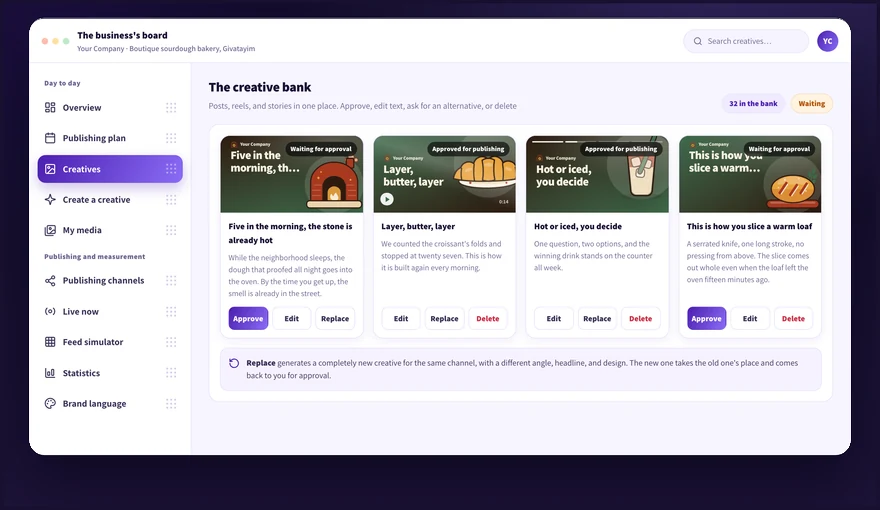
Delete the creative from the Creative bank too so it does not return to the queue.
6
Call us at 054-5082696 if there is urgent content you want removed and it has no removal button on the screen.
Deleting Instagram content is not available from inside Kampi yet, not a post, not a reel, and not a story, and we do not promise otherwise.
A creative you delete yourself from the Creative bank. For removing files from the Media library or deleting the account, contact us by email. Deleting in the system does not delete content that was already published on the network.
1
Open the Creative bank and delete any item you do not want to keep.
2
Check in the Content plan that the item is not still slotted for a future date.
3
Open the Media library and find the photos or videos you want removed.
4
Write to us at info@kampi.co.il with the list of files, and we remove them from the library.
5
Update the Brand kit if you want to replace a logo, colors, or tone of voice we stored.
6
Contact the same email address if you want us to delete the entire customer account.
Deleting from the system does not remove content that was already published on the channel. A Facebook post is removed from the Live now screen.
Every business sees only its own data. We do not share data between customers and do not sell data to anyone.
1
Sign in to the board and see only your business's publications and metrics.
2
Open the performance room and confirm the data comes from your connected channels only.
3
Keep the login details with whoever is supposed to manage the publishing, because anyone who enters the board sees the content and the results.
4
Let us know at 054-5082696 if an employee left and you want to replace the access details.
Your data is not accessible to other Kampi customers and is not used by them.
Didn't find it? Ask us
The bot knows the whole help center. If it doesn't know, it hands you over to us with a summary of what you already tried.